1. Use the "Prevodník značiek" to convert a CSV file into a CSV file
Open the free Prevodník značiek, select "CSV" and set "convert" to "CSV for Apple Numbers". Generate and download the file. Ak máte problémy s prevodom súboru, môžete kontaktovať bezplatnú podporu.
Ensure that the CSV file contains columns labelled "Timecode In", "Name" and "Comment". Otherwise, it will not work. You can also add columns for 'Colour' and 'Timecode Out'.
2. Import the CSV file into Numbers
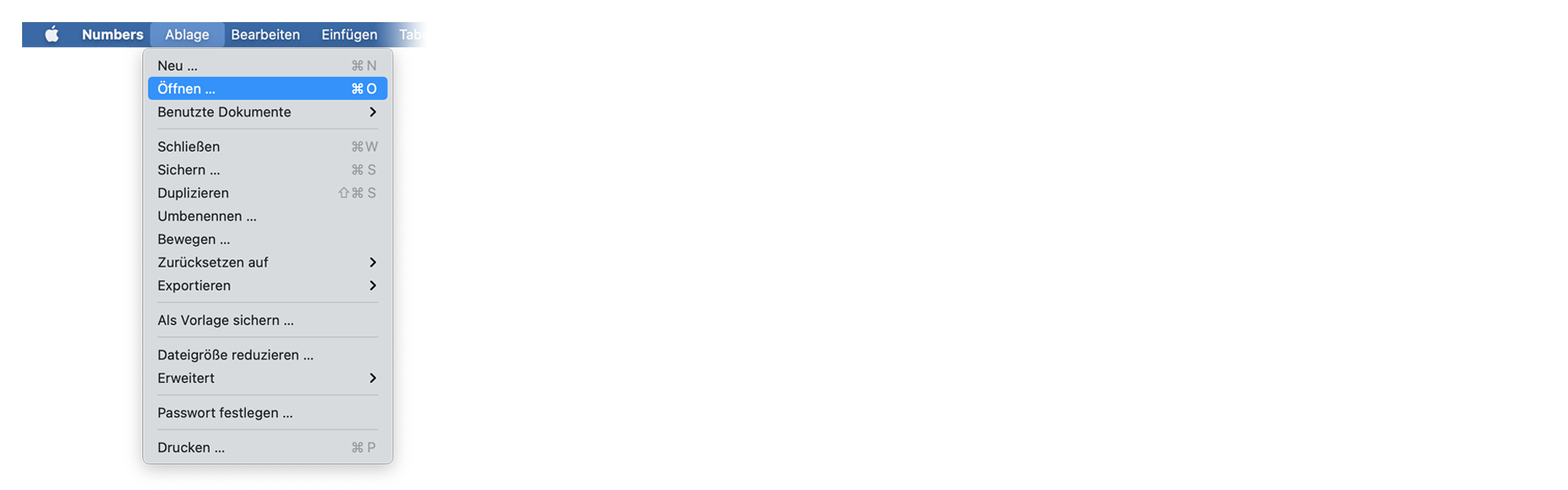
Open Numbers and go to "File -> Open". Simply open the CSV file.
🚀 Hotovo
To je zatiaľ všetko! Ak vám bol tento návod užitočný, zdieľajte ho, prosím, a podporte nás tým. Ak máte návrhy, ako by sme mohli workflow vylepšiť, dajte nám vedieť!